Free GPS Metadata Remover
Strip location data from your photos while keeping the image itself untouched.
- 100% Local Processing
- No Upload Required
- Free Forever
Drag & Drop Your Photos Here
or
Supports: JPG, PNG, WebP · HEIC coming soon
Your files never leave this device.
What Gets Removed
- GPS Latitude & Longitude
- GPS Altitude & Direction
- GPS Date Stamp & Processing Method
- The entire GPS IFD — not just two fields
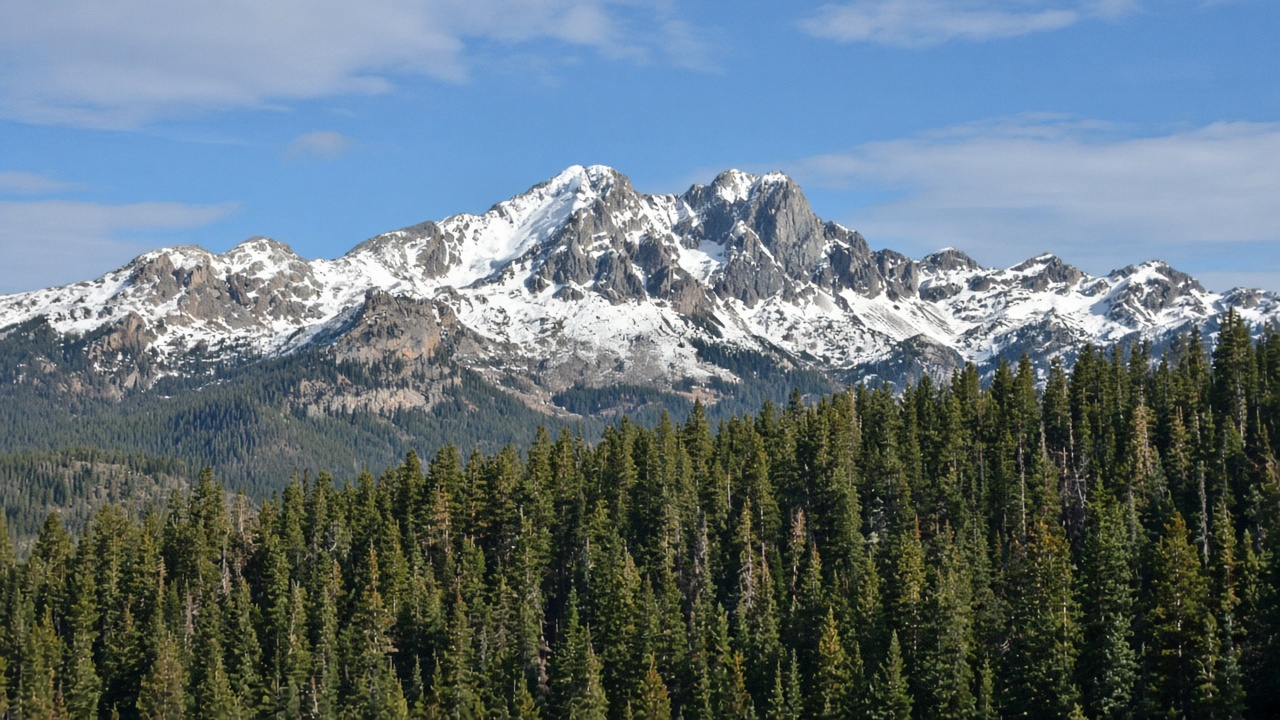
Binary in-place editing keeps your photo pixels and file size untouched. Every cleaned file is re-read and verified before download. Visible landmarks in the photo itself cannot be removed by any metadata tool.
How to Remove GPS Metadata from Photos
- 1
Add your photos
Drag & drop them onto the tool, or click Choose Photos. Files open locally — there is no upload step.
- 2
Review the GPS fields
Each file is checked for a GPS IFD and listed with the coordinates it carries.
- 3
Remove and verify
The whole GPS IFD is stripped with a lossless binary edit, then the output is re-read to confirm the coordinates are gone.
- 4
Download
Save the location-free photo. Files that needed re-encoding are labelled as such before download.
What GPS Removal Cannot Do
- It cannot remove landmarks visible in the photo itself.
- It does not touch other metadata — use the EXIF Remover for the whole block.
- Social platforms re-encode uploads and usually strip GPS anyway — but files shared by email, cloud links or messaging may pass through untouched. Cleaning before sharing is the only step you control.