Free PDF Metadata Remover
Remove author information and document properties from your PDF files.
- 100% Local Processing
- No Upload Required
- Free Forever
- Author:
- John Doe
- Title:
- Project Report
- Subject:
- Confidential
- Keywords:
- Q1, Report
- Author:
- —
- Title:
- —
- Subject:
- —
- Keywords:
- —
Drag & Drop Your PDF Here
or
Supports: PDF
Your files never leave this device.
What to Remove
This build blanks literal document info fields in your browser and keeps byte length intact, so the PDF still opens everywhere. Nothing you add here is ever uploaded.
About PDF Metadata
PDF files can contain hidden information, including author names, document properties and creation details. This tool helps you remove supported metadata to better protect your privacy before a document leaves your hands.
- Document Information dictionary — Title, Author, Subject, Keywords, Creator and Producer.
- Dates — creation and last-modification timestamps.
- XMP metadata — an XML sidecar that often duplicates the properties above.
Important boundary: cleaning document properties is not the same as redacting document content. Visible text, comments, form fields and attachments are separate concerns — the tool states exactly what it removes and what it does not.
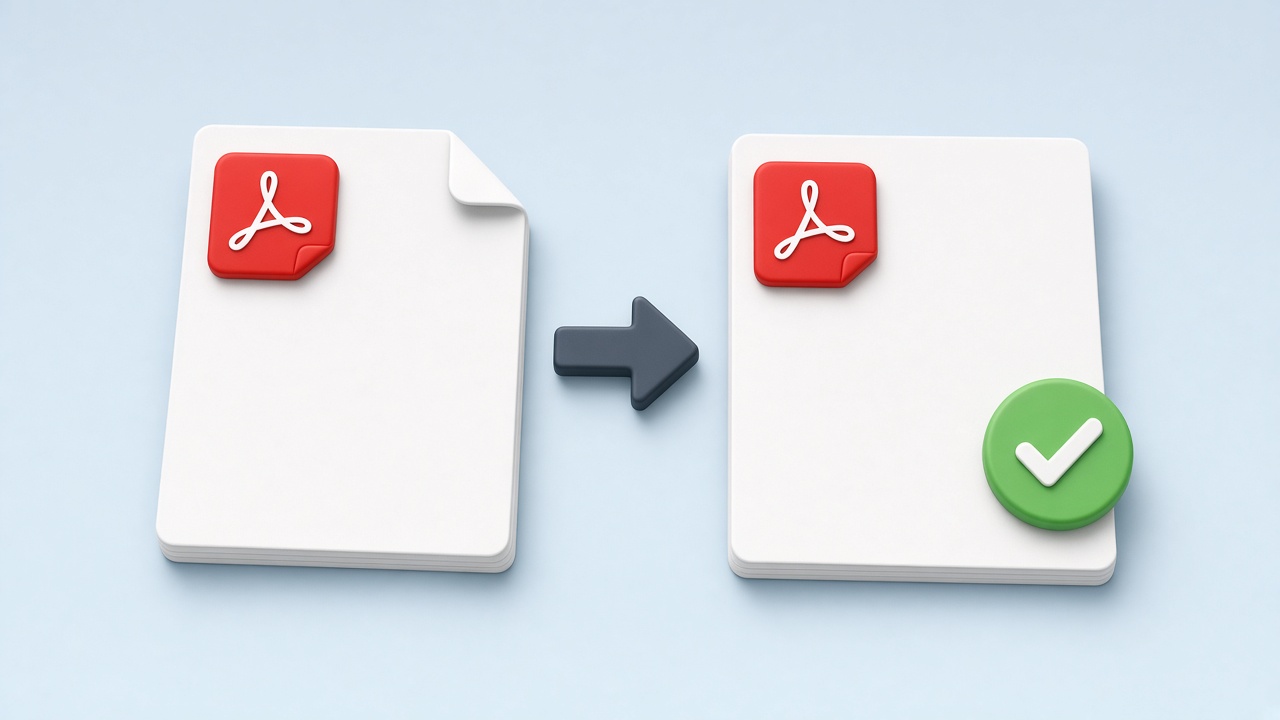
Before and After
Illustrative example — actual results depend on your file.
Original PDF Properties
- Author
- John Doe
- Title
- Project Report
- Subject
- Confidential
- Keywords
- Q1, Report
Cleaned PDF Properties
- Author
- —
- Title
- —
- Subject
- —
- Keywords
- —
Why Remove PDF Metadata?
PDF properties quietly record who created a document, which software was used, and when. Cleaning them keeps your personal information private when you share files with clients, publishers or the public.
How It Works
- Upload → Clean → Download
Everything runs in your browser — cleaned PDFs download instantly.
Supported Formats
| Format | Extensions | Validation | Status |
|---|---|---|---|
| %PDF- byte signature (first 1 KB) | Supported |
PDF files — works with most PDF files, verified by their byte signature before anything is processed.
Frequently Asked Questions
Does this tool upload my PDF?
No. Files are validated and previewed entirely inside your browser. There is no server that could receive them.
Will cleaning break my PDF?
No. Cleaning blanks literal document info fields while keeping the byte length intact, so all cross-references stay valid and the file opens normally. The tool shows exactly which fields it found and cleared before you download.
Does this remove comments and annotations?
Not in the first release. Comments, form fields and attachments are tracked as separate follow-up features — the tool states its exact scope before you download anything.